
PlayStation techniques can transform an average player into a skilled competitor. Whether someone plays action games, shooters, or RPGs, mastering core skills makes a real difference in performance. The gap between casual and competitive players often comes down to specific habits and settings that anyone can learn.
This guide covers the essential PlayStation techniques every gamer should know. From controller mechanics to console optimization, these strategies help players get more out of their gaming sessions. The best part? Most of these improvements take just a few hours of focused practice to carry out.
Table of Contents
ToggleKey Takeaways
- Mastering PlayStation techniques like custom button mapping and grip styles can significantly improve your gaming performance.
- Disable adaptive triggers for competitive play—the extra resistance can slow reaction times by crucial milliseconds.
- Enable Game Mode on your TV and choose Performance Mode on your console to reduce input lag and increase frame rates.
- Record and review your gameplay using the PlayStation’s built-in capture feature to identify mistakes you miss in real-time.
- Short, focused practice sessions of 20 minutes produce better skill development than hours of casual, unfocused play.
- Watch skilled players to learn the reasoning behind their decisions, not just to copy their moves.
Mastering Controller Mechanics
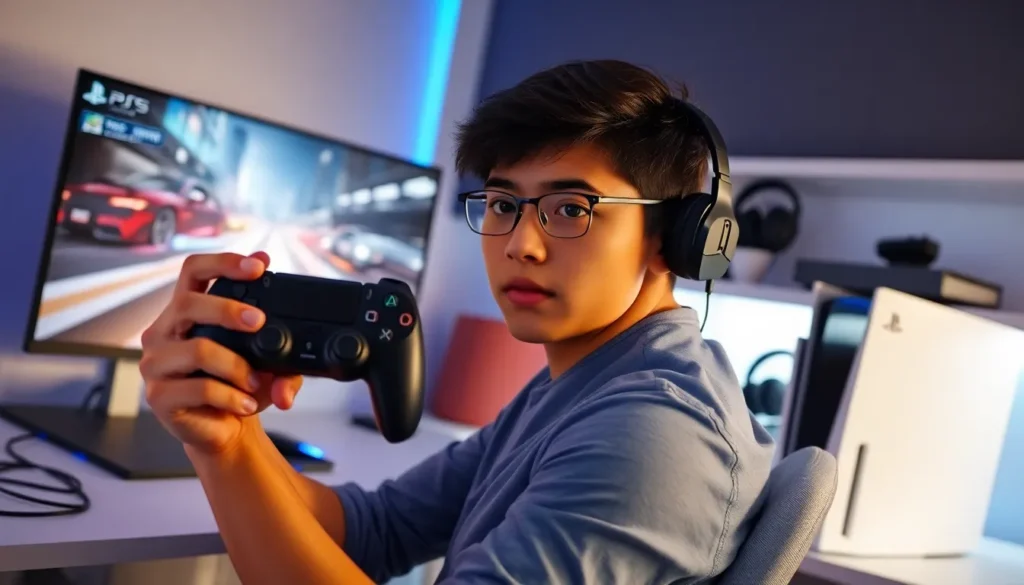
The DualSense controller offers features that many players never fully use. Understanding these PlayStation techniques starts with how someone holds and uses their controller.
Grip and Hand Position
Most pro players use one of two grip styles: the standard grip or the claw grip. The standard grip keeps fingers on the shoulder buttons while thumbs handle the analog sticks. The claw grip positions the index finger over the face buttons, allowing players to aim and press buttons simultaneously.
Neither grip is objectively better. The right choice depends on the games someone plays most. Shooters often benefit from claw grip. Fighting games work well with standard grip.
Trigger Sensitivity
The DualSense’s adaptive triggers create resistance based on in-game actions. While this adds immersion, competitive players often disable this feature. The extra resistance can slow reaction times by milliseconds, enough to matter in fast-paced games.
To adjust trigger sensitivity, players can access the controller settings through the PlayStation menu. Some games also offer individual trigger adjustments within their own settings menus.
Button Mapping
Custom button mapping ranks among the most underused PlayStation techniques. The console allows complete remapping of controls through the accessibility settings. Players can assign any action to any button.
Common remaps include moving jump to a shoulder button or swapping the function of the analog sticks. These changes let players keep their thumbs on the sticks while performing other actions. That small advantage adds up over thousands of inputs during a gaming session.
Advanced Combat and Movement Strategies
Game-specific PlayStation techniques separate good players from great ones. Combat and movement systems reward players who understand their mechanics deeply.
Reading Enemy Patterns
Every enemy in every game follows patterns. Even human opponents in multiplayer develop habits. The skill lies in recognizing these patterns quickly.
Players should watch for:
- Attack wind-up animations
- Movement tendencies after specific actions
- Defensive habits when low on health
- Positioning preferences on different maps
Recording gameplay and reviewing it later helps players spot patterns they miss in real-time. The PlayStation’s built-in recording feature makes this easy.
Movement Optimization
Smooth movement comes from understanding a game’s physics. Most games have hidden mechanics that affect speed and momentum. Bunny hopping, slide canceling, and animation canceling are examples of movement PlayStation techniques that vary by game.
The key is learning what actions can interrupt other actions. In many shooters, sprinting can cancel reload animations. In platformers, jumping at specific moments preserves momentum. These tricks exist because developers can’t account for every possible input combination.
Camera Control
Camera management often separates skilled players from beginners. Keeping the camera pointed where threats might appear, rather than where the character is going, gives players earlier warning of danger.
In third-person games, players should practice keeping their character at the edge of the screen rather than center. This provides more visibility in the direction they’re moving.
Optimizing Your Console Settings
Hardware and software settings directly impact gaming performance. These PlayStation techniques don’t require any skill development, just a few minutes in the settings menu.
Display Settings
Input lag varies based on TV settings and console output. Players should enable Game Mode on their TV, which reduces processing and lowers input lag. Most modern TVs have this option in their picture settings.
On the PlayStation itself, players can choose between Performance Mode and Resolution Mode for many games. Performance Mode prioritizes frame rate, while Resolution Mode prioritizes visual quality. Competitive players almost always choose Performance Mode. Higher frame rates mean smoother visuals and faster response to inputs.
Audio Configuration
Sound design in games provides crucial information. Footsteps, reloads, and ability sounds all communicate what opponents are doing. Proper audio setup is an often-overlooked PlayStation technique.
Headphones provide better directional audio than TV speakers. The PlayStation’s 3D Audio feature works best with compatible headsets. Players can enable this through the Sound settings menu.
Some players lower music volume while keeping sound effects high. This makes gameplay sounds more distinct and easier to track.
Network Optimization
Online gaming depends on stable connections. Wired ethernet connections reduce lag compared to WiFi. Players who can’t use wired connections should position their console close to their router.
The PlayStation’s network test shows current connection speeds and NAT type. NAT Type 2 works for most online gaming. NAT Type 3 can cause connection issues with other players.
Building Effective Practice Habits
Improvement requires intentional practice. Random gameplay doesn’t develop skills as fast as focused training. These PlayStation techniques for practice apply across all games.
Deliberate Practice Sessions
Deliberate practice means working on specific skills rather than just playing. A player wanting to improve their aim should spend time in aim trainers or practice modes. Someone learning combos should drill them repeatedly before using them in matches.
Short, focused sessions beat long, unfocused ones. Twenty minutes of concentrated practice often produces better results than two hours of casual play.
Reviewing Your Gameplay
The PlayStation’s capture feature lets players record and review their matches. Watching replays reveals mistakes that feel invisible during gameplay.
Players should look for moments where they died or failed and ask what they could have done differently. Often the answer involves positioning, timing, or resource management, not aim or reflexes.
Learning From Better Players
Watching skilled players teaches PlayStation techniques faster than figuring them out alone. Streams, YouTube videos, and tournament footage show how experts approach different situations.
The goal isn’t to copy exactly but to understand the reasoning behind decisions. Why did that player push forward there? Why did they wait instead of attacking? Understanding the “why” matters more than memorizing the “what.”
Setting Measurable Goals
Vague goals like “get better” don’t provide direction. Specific goals create focus. Examples include:
- Reach a certain rank in competitive mode
- Complete a level without taking damage
- Maintain a specific accuracy percentage
- Learn five new combos this week
Tracking progress toward these goals keeps motivation high and shows real improvement over time.